Tech
Video Meeting Security: A Checklist for Australian Businesses

Video meetings are now a standard part of how Australian businesses communicate, including for conversations that involve sensitive or confidential information. This checklist sets out the controls an organisation should apply to reduce the risk of unauthorised access, disruption and information leakage. It is general guidance, and it should be read alongside the security documentation published by the platform provider in use.
The controls below are ordered from the most basic to the most administrative, and most apply across the commonly used platforms.
Control who can join
The first line of defence is authentication. Where the platform supports it, the host should require participants to sign in to an account and, where available, require a password or a unique meeting link. A meeting link alone should not be treated as a secret. If a link has been published publicly, or shared more widely than intended, the host should generate a new one.
Two-factor authentication for the organisation’s own accounts adds a further layer of protection and should be enabled where the platform supports it. Where practical, the host should send the password or unique link through a channel separate from the meeting invitation, so a leaked calendar invite does not by itself admit an intruder.
Use the waiting room
The waiting room, or lobby, lets the host admit each participant rather than letting everyone in at once. Organisations should enable it by default and should be cautious about admitting participants whose names cannot be verified.
A participant label is not proof of identity, because names can be changed before joining. For that reason, the host should admit attendees one at a time and should confirm the expected participant list before a sensitive meeting begins.
Protect the meeting ID
Most platforms generate a unique meeting ID for each session. The host should use the generated ID rather than a personal meeting ID that is reused across many meetings. A personal ID that becomes known to the wrong people provides persistent access to every meeting held under it.
If a meeting has been disrupted, a new ID should be generated before the next session. Organisations that run recurring meetings should consider whether reusing the same link is appropriate for the content discussed.
Limit screen and file sharing
The default should be that only the host can share a screen, share files or annotate. Where a participant needs to present, sharing can be enabled for that participant for the duration of their presentation and then revoked.
File transfer and remote control should remain disabled unless a participant genuinely needs them. Features that are not required for the meeting should be turned off.
Control recording
Recording should be restricted to authorised hosts. Where a meeting is recorded, participants should be informed, and the organisation should comply with the consent and privacy obligations that apply in the relevant state or territory.
Recordings should be stored securely, access should be limited to those who genuinely need it, and recordings should be deleted when they are no longer required.
Set an expectation for staff
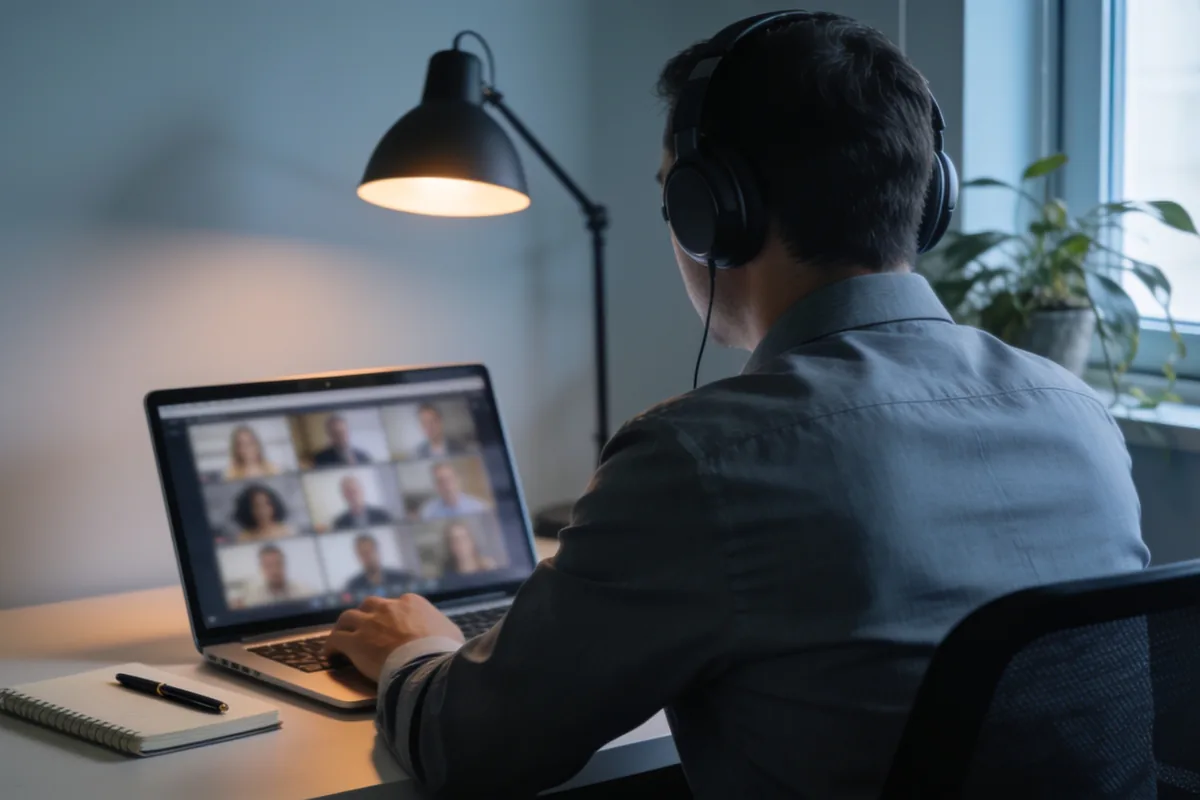
An organisation should have a clear policy for staff who join sensitive calls. Staff should join from a private location, use headphones where appropriate and confirm the participant list before confidential matters are discussed.
Calls should be joined through an organisation-approved account rather than a personal account, and the platform and operating system should be kept up to date. This matters most for meetings that cover client details, staff matters, financial information or commercially sensitive plans.
Respond if something goes wrong
If an uninvited participant joins, the host should remove them immediately and, where the platform provides it, suspend the meeting until the attendee list is confirmed. After the meeting, the host should note what happened, regenerate the meeting link if it was shared and review whether any material was exposed. Most platforms record these events in a security log that administrators can review.
Incidents of this kind are usually configuration failures rather than technical breaches, and the fix is a tighter default setting for the next meeting.
Apply the settings before the meeting
Most of these controls take only a few minutes to configure and should be set before the meeting begins rather than during it. Applied consistently, they reduce the common risks associated with online meetings without adding meaningful friction for participants.
Reference: security guidance published by Zoom Video Communications, Microsoft Teams and Google Meet.





You must be logged in to post a comment Login